Using MCP Integration to set up your event's Agenda
 Updated 1 hour ago
by
Chioma Okenwa
Updated 1 hour ago
by
Chioma Okenwa
InEvent provides an MCP (Model Context Protocol) server that can be integrated with AI providers such as Claude and ChatGPT. Refer to our MCP Integration article to learn more on how to connect to the MCP server.
This section highlights some of the read-only and write-only capabilities available through this integration, allowing you to quickly create activities, retrieve information about your Agenda and make changes using Claude AI.
Read only examples: getting information about your Agenda
Below are a few example prompts of getting information about the Agenda page
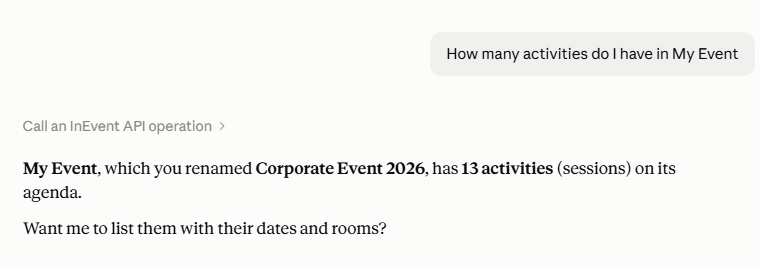
- How many activities do I have in My Event?
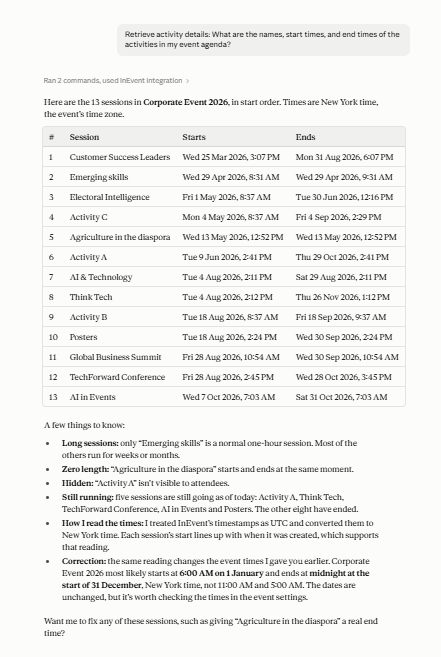
- Retrieve activity details: What are the names, start times, and end times of the activities in my event agenda?
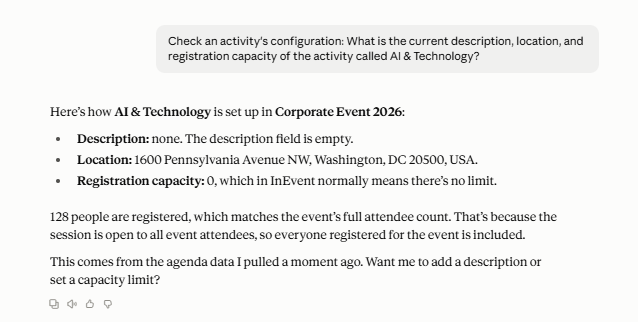
- Check an activity's configuration: What is the current description, location, and registration capacity of the activity called AI & Technology?
Write-only examples: Making API calls to create, update, or delete items in your Agenda setup.
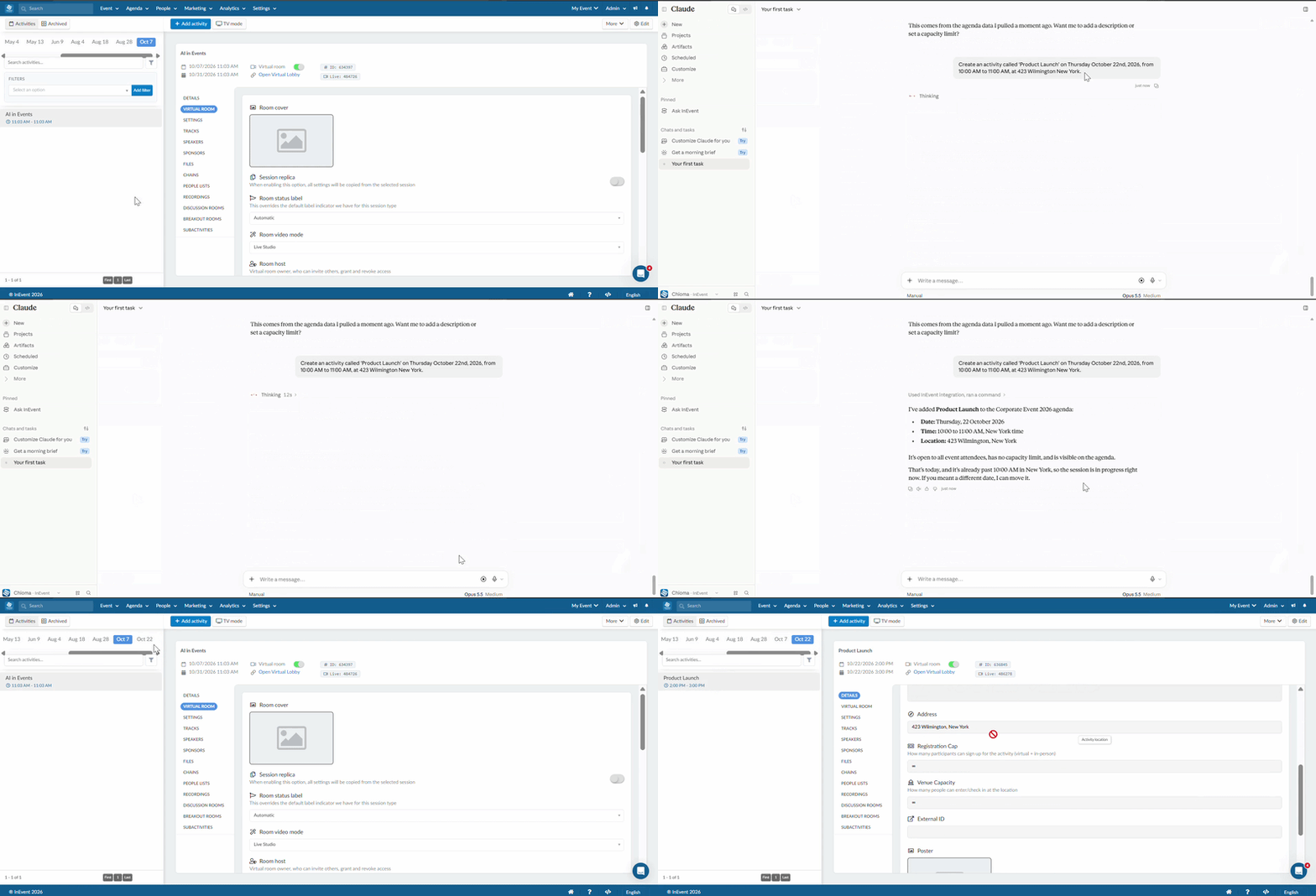
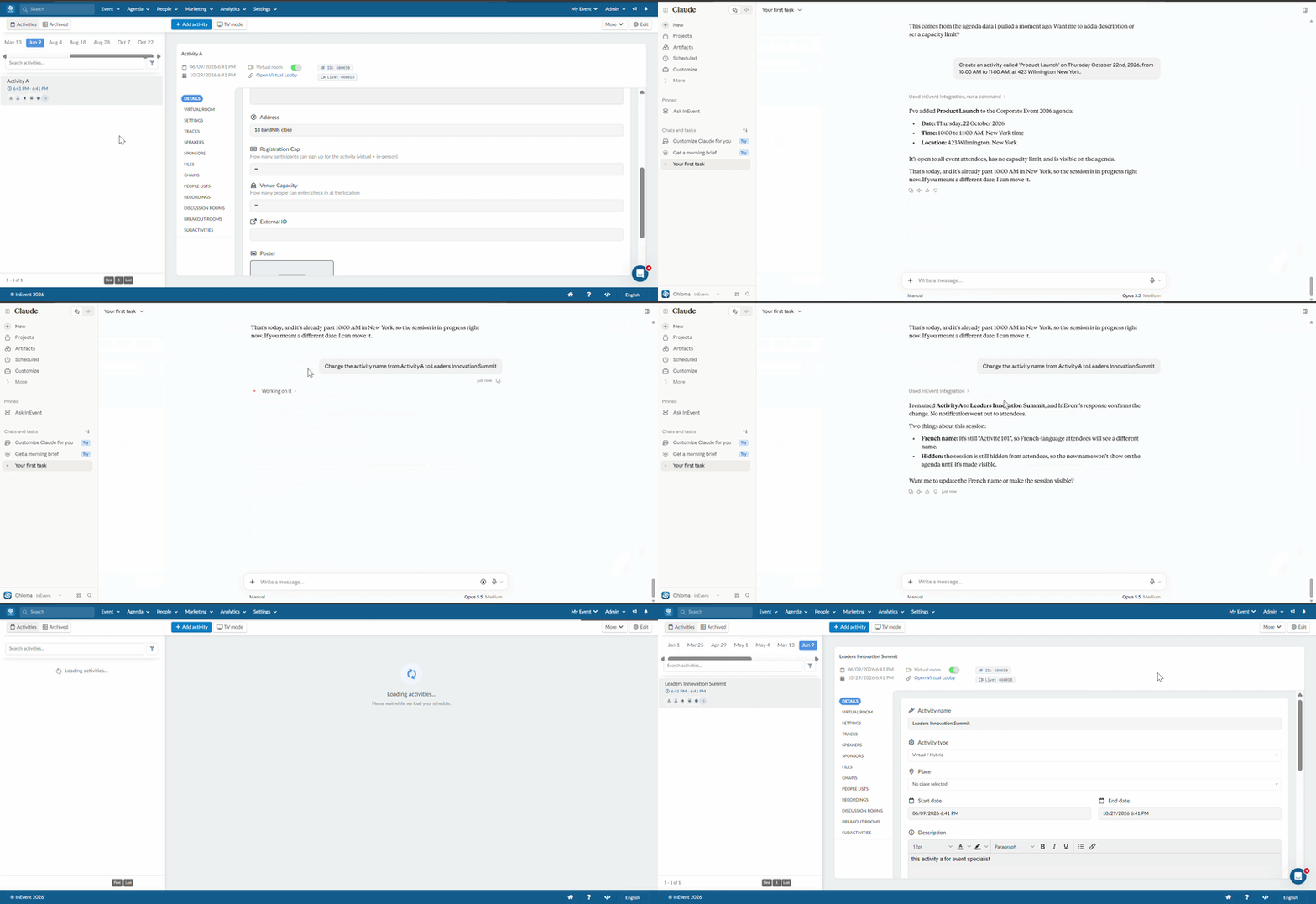
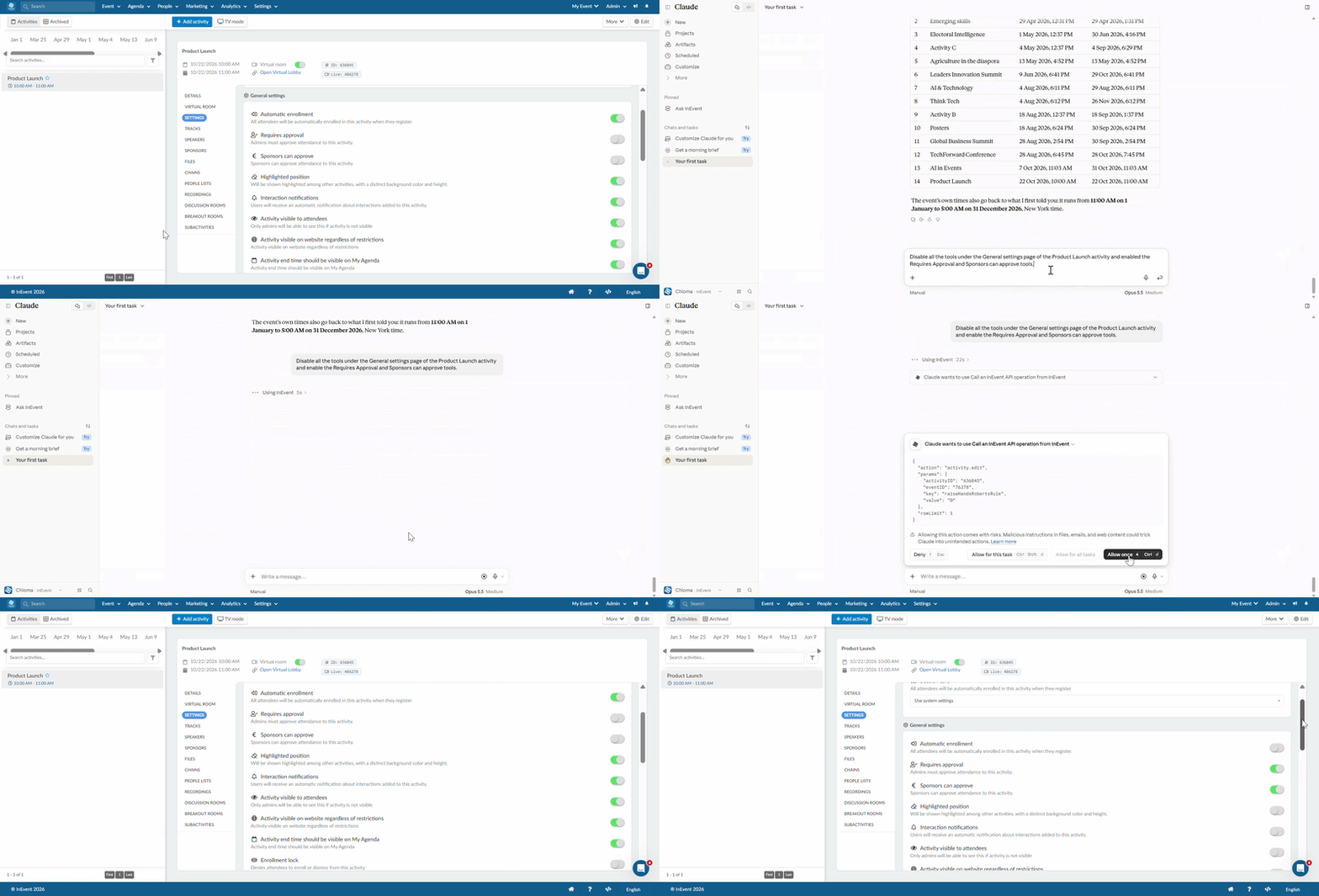
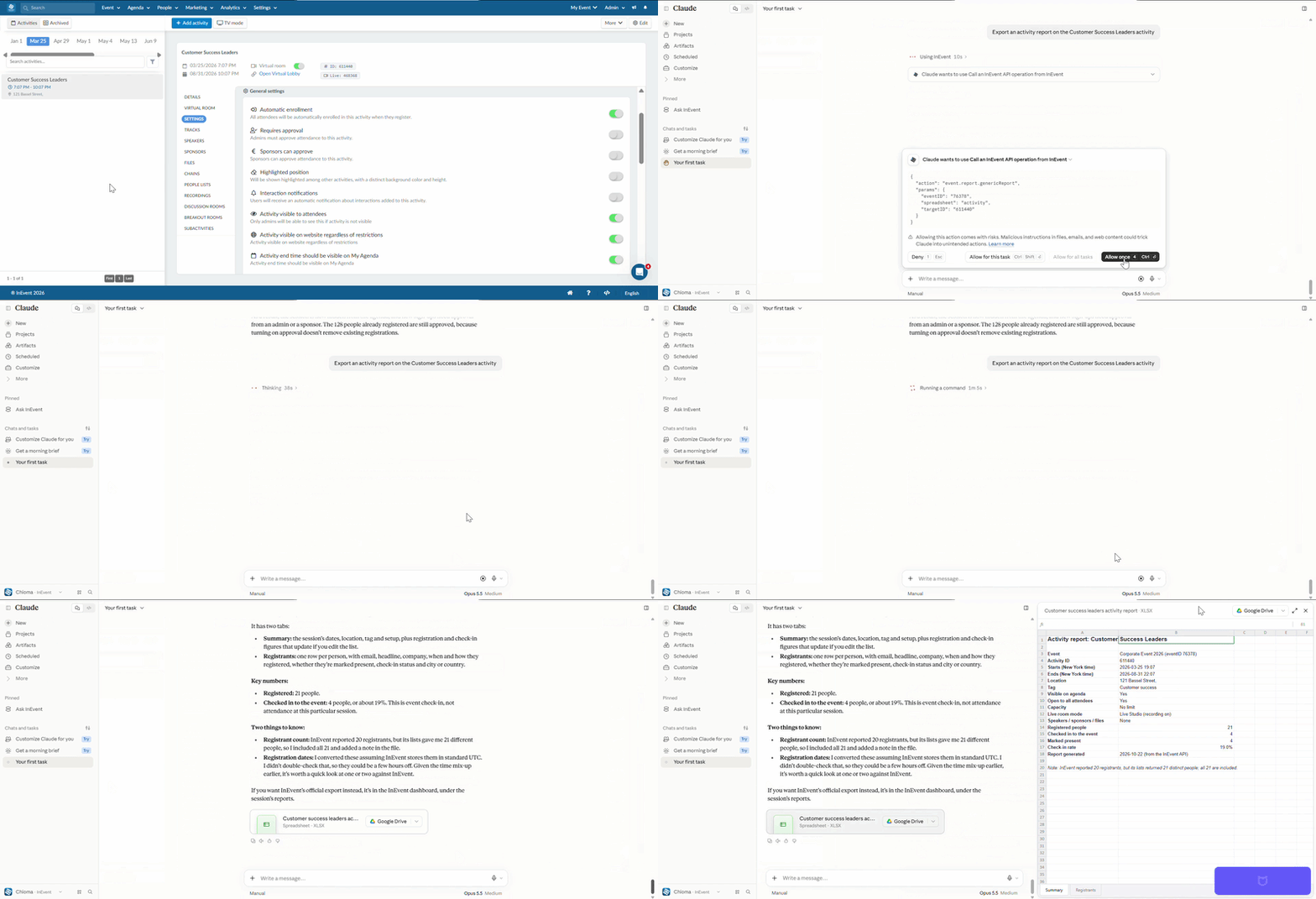
Below are a few GIF examples demonstrating how the platform changes in response to the actions performed on your Agenda page.
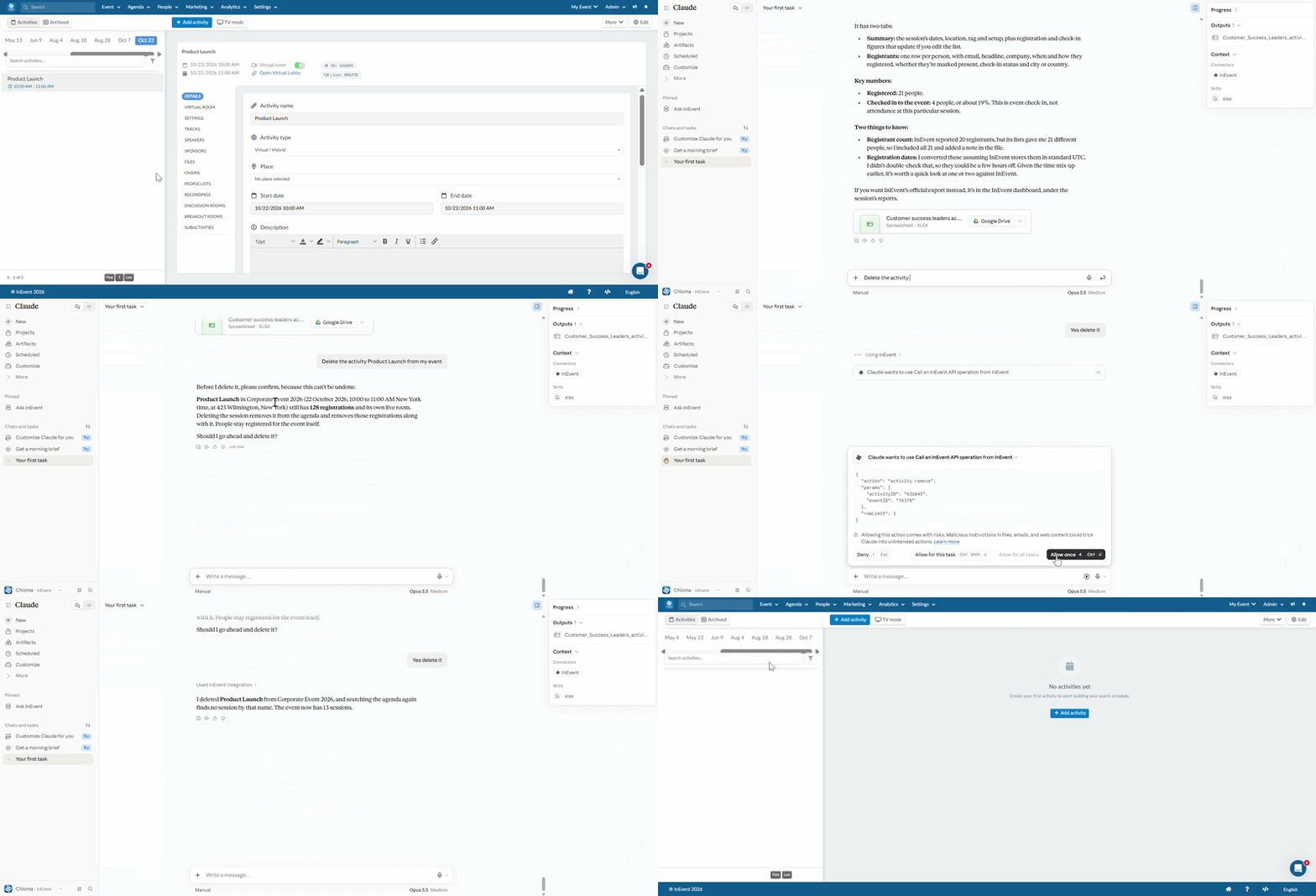
- Create an activity called 'Product Launch’ on Thursday October 22nd, 2026, from 10:00 AM to 11:00 AM, at 423 Wilmington New York.
- Change an activity's name
- Disable/Enable all tools under the Settings page of an activity
- Export and download an activity report
- Delete an activity/activities